Welcome back to GAP Consulting's channel! In this video, we'd explore the latest Softr features for 2025. With Softr, no-code app building has never been easier. Buckle up as we dive into what's new and how to leverage these features for your projects!
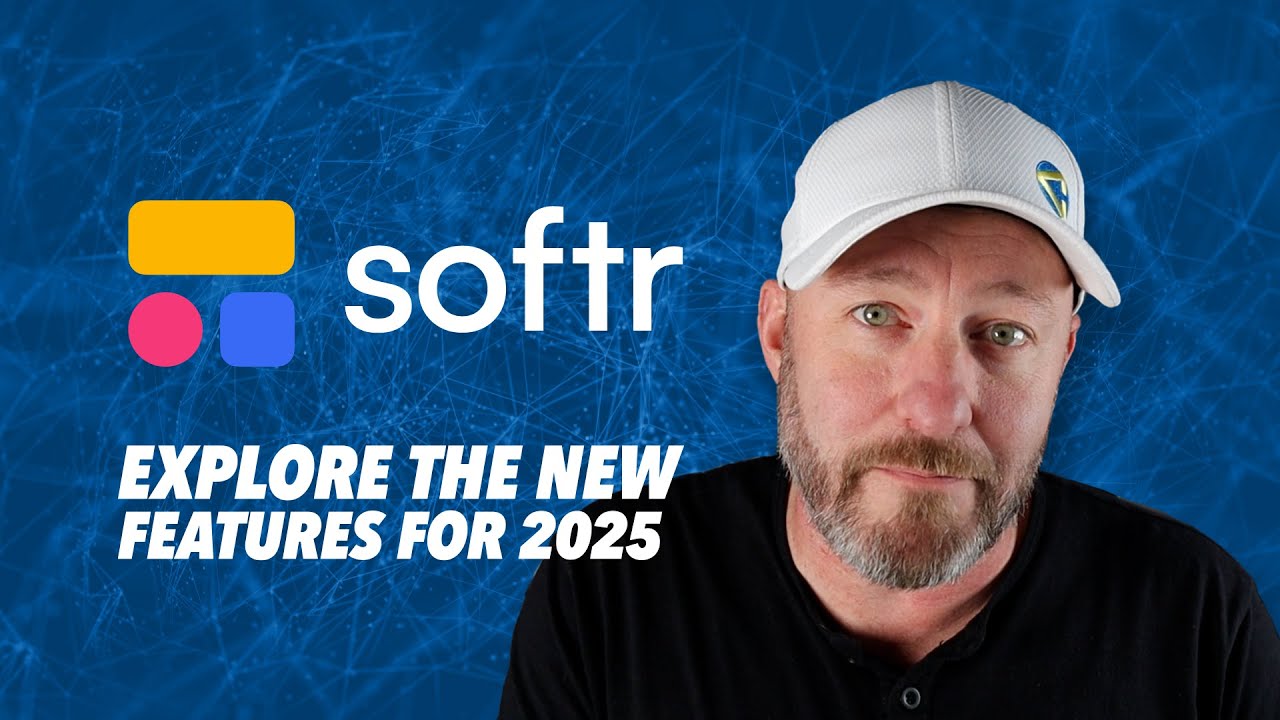
In today's technologically advancing world, the ability to build streamlined applications without coding has become increasingly significant. One of these tools is Softr, a nocode tool to develop apps.
Softr is an innovative tool that enables users to build applications without any coding experience. These applications can be shared within a team or even to a larger audience.
In the 2025 update, Softr introduced newer blocks for application building, enhancing its functionality. One of the prominent improvements is the upgraded navigation bars.
In addition to the new blocks and navigation bar enhancements, Softr also introduces an automated invite feature and themes for blocks.
The new Softr features make it an even more efficient nocode tool, offering an enhanced interface, better customization, and improved functionality.

Gareth Pronovost is the founder of GAP Consulting, an Airtable-first consultancy that helps businesses replace manual workflows with systems that scale. A former corporate finance analyst turned no-code educator, he has taught hundreds of thousands of builders through his YouTube channel and led systems builds for organizations ranging from solo founders to Disney and Ticketmaster.

The leading no-code consultancy. We build Airtable, Zapier, and Fillout systems for businesses that are ready to stop doing things manually.