Airtable's user licensing is tiered, and the gap between viewer and editor is significant — $24 to $54 per user per month, depending on your plan. For team members who only need to update one or two fields on existing records, that's a hard cost to justify.
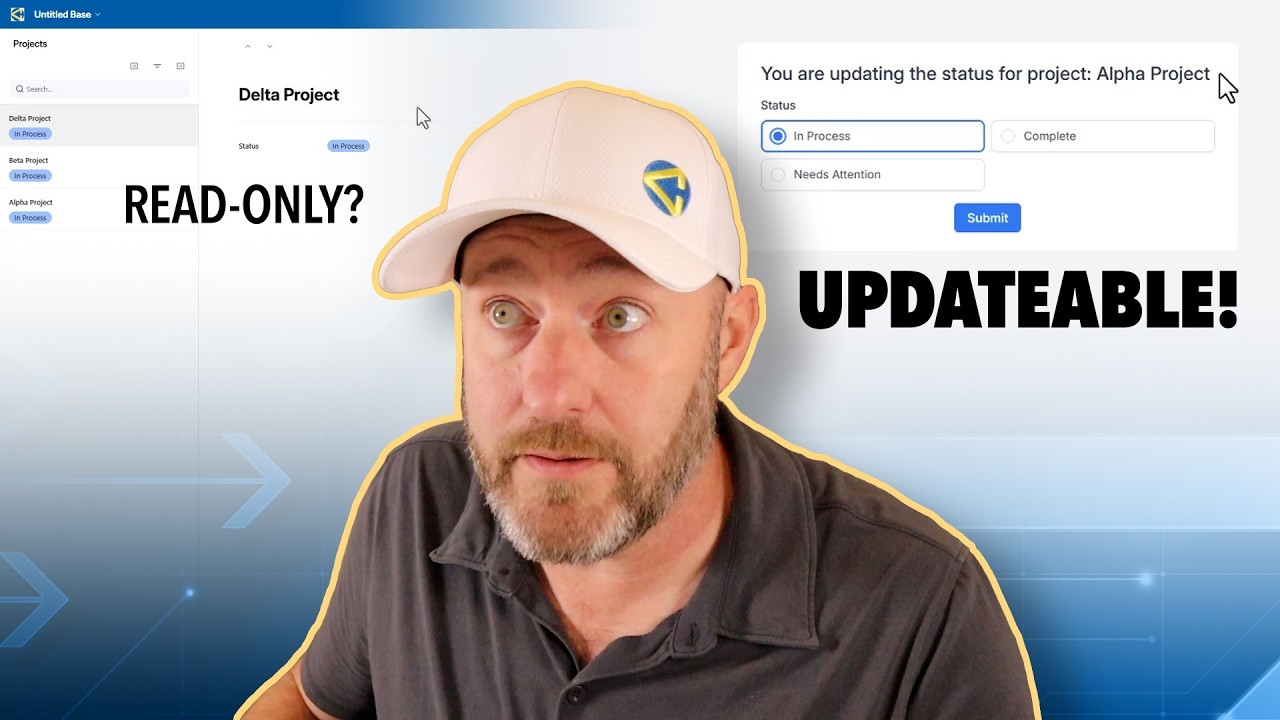
Fillout solves this. You can build an update form that lets someone edit specific fields on an existing Airtable record without giving them editor access to the base.
Try Fillout free and give your team the access they need without the licensing cost.
Disclosure: some links in this post are affiliate links. If you sign up through them, GAP Consulting earns a small commission at no extra cost to you.
Airtable's permission model is base-wide. An editor can edit any record in any table they have access to. There's no native way to say "this person can update the Status field on their own task records, but nothing else."
The workaround is to keep those users as read-only collaborators (free or low-cost) and route their updates through a Fillout form that writes back to the specific fields you allow. You control what's editable. Airtable's billing stays manageable.
The setup has three parts:
This pattern works well for:
This isn't a security control — it's an access pattern. Someone determined to bypass it could interact with the Airtable API directly if they have the API key. It's an operational guardrail, not a hard permission boundary.
Also: Fillout's record-update feature requires a paid Fillout plan. Weigh the Fillout cost against the Airtable user license cost for your specific team size.
For most teams with 3-5 occasional updaters, the math strongly favors Fillout over Airtable editor licenses.
Set up Fillout and give your team field-level update access without touching your Airtable seat count.

Gareth Pronovost is the founder of GAP Consulting, an Airtable-first consultancy that helps businesses replace manual workflows with systems that scale. A former corporate finance analyst turned no-code educator, he has taught hundreds of thousands of builders through his YouTube channel and led systems builds for organizations ranging from solo founders to Disney and Ticketmaster.

The leading no-code consultancy. We build Airtable, Zapier, and Fillout systems for businesses that are ready to stop doing things manually.