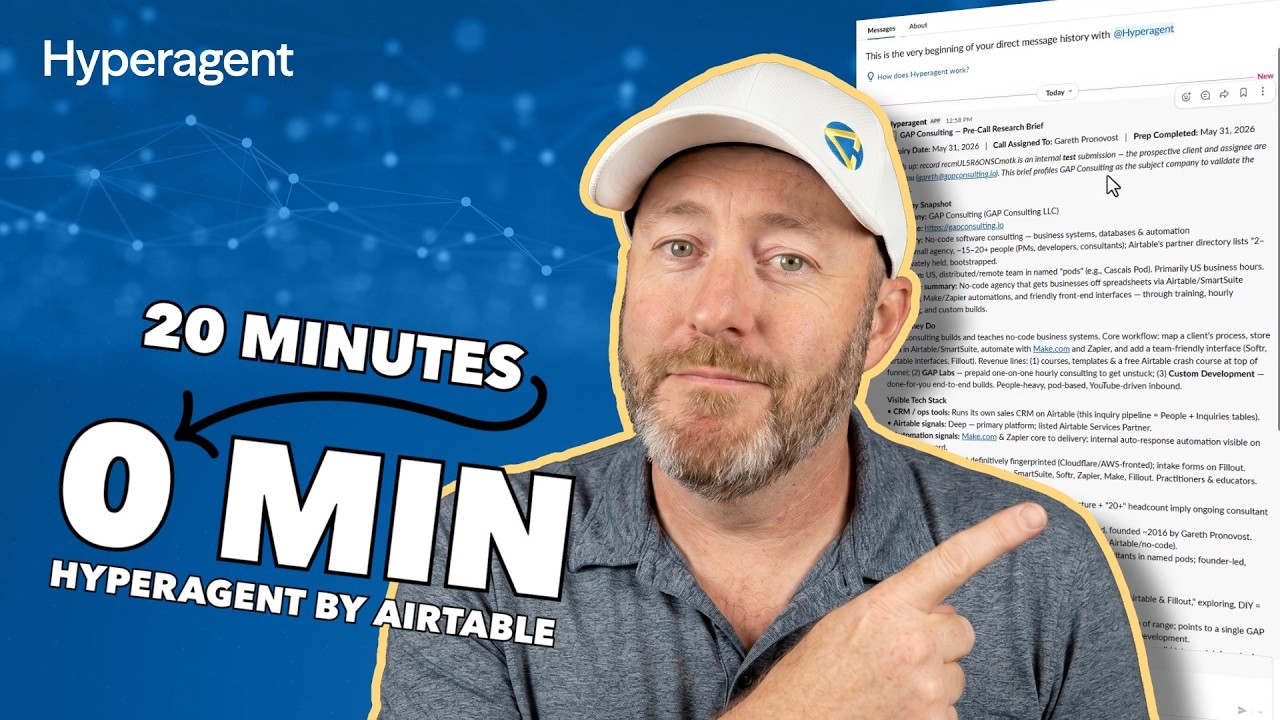
Every sales call has a hidden cost most teams don't talk about: the 20 to 30 minutes of manual research that happens before the call even starts.
At GAP Consulting, we offer free strategy sessions. The calls are free, but the prep work is not. Before every call, someone on the team needs to dig through the prospect's website, find their LinkedIn profile, and put together a working brief. It is valuable work. It is also invisible work.
A prospect visits the GAP Consulting website, fills out our inquiry form, and books a time on our calendar. That form submission creates a new record in Airtable. What the record does not contain is the full picture. We still need to visit their website, pull their LinkedIn profile, identify the size of their company, and assemble all of that into a concise brief.
That entire process takes 20 to 30 minutes per call. Multiply that across every strategy session we book, and it becomes a significant operational cost.
Hyperagent is an AI agent platform built natively for Airtable by the same company. Think of it as a conversational AI that does not just generate text — it actually takes actions inside your tools on your behalf.
The integrations list already covers the essentials: Gmail, Google Calendar, Slack, and of course Airtable.
Before building anything, I defined exactly what information I wanted in the pre-call brief: a company snapshot, what they do, how they make money, why they might be reaching out, and any relevant context from LinkedIn or the website.
Inside Hyperagent's integrations panel, I connected Airtable to pull new inquiry records and Slack to deliver the completed brief. This took less than five minutes.
The agent's workflow monitors Airtable for new inquiry records, pulls the record, researches the prospect, assembles the brief, and delivers it via Slack before the call.
The obvious win is the 20 to 30 minutes saved per call. But there is a bigger operational win underneath that number.
When research is manual, it is inconsistent. The quality of the brief depends entirely on who prepared it and how much time they had. Automating it means every call gets the same standard of preparation — regardless of who is on point that day.
The same pattern applies to a wide range of operational tasks: post-call follow-up, lead enrichment, project kick-off briefs, and onboarding automation. The principle is the same every time — a new record in Airtable kicks off a multi-step AI workflow that researches, assembles, and delivers actionable information.

Gareth Pronovost is the founder of GAP Consulting, an Airtable-first consultancy that helps businesses replace manual workflows with systems that scale. A former corporate finance analyst turned no-code educator, he has taught hundreds of thousands of builders through his YouTube channel and led systems builds for organizations ranging from solo founders to Disney and Ticketmaster.

The leading no-code consultancy. We build Airtable, Zapier, and Fillout systems for businesses that are ready to stop doing things manually.