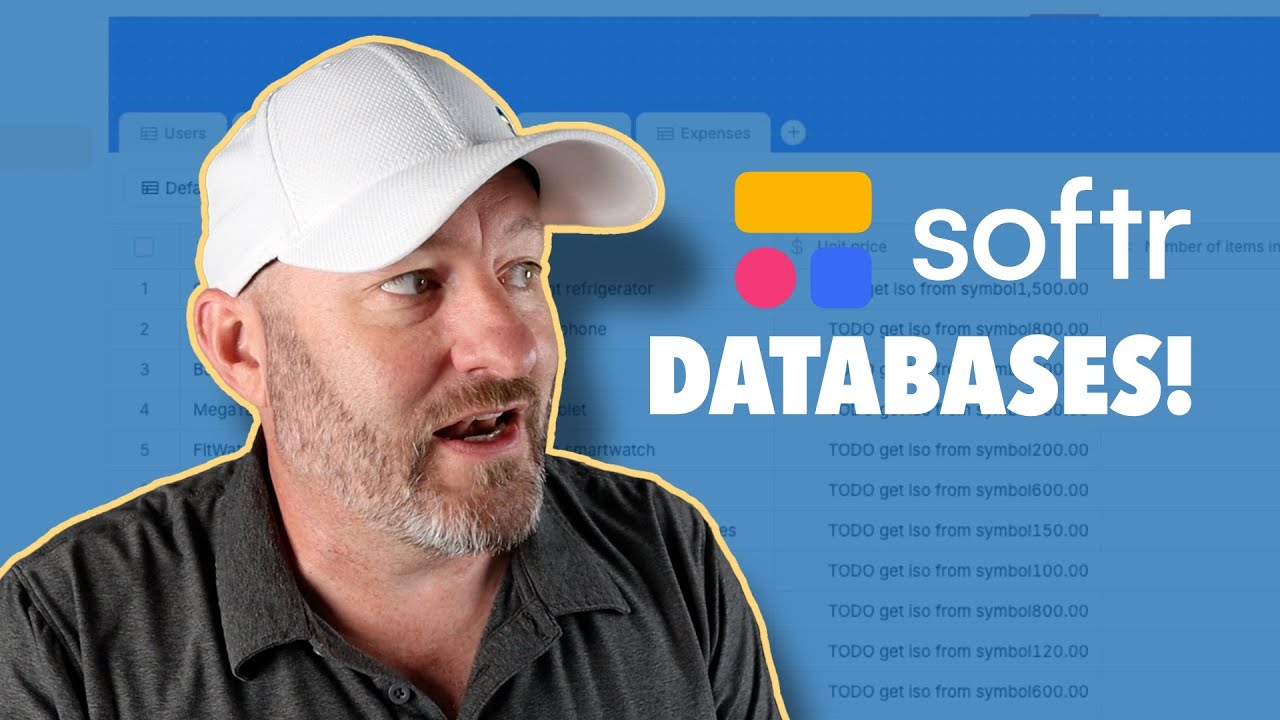
Softr just shipped a feature that removes one of the most common friction points for people building apps on top of Airtable: you no longer need Airtable to store your data. Softr now has its own native databases built in.
This is a bigger shift than it might seem. If you've been building client portals or internal tools with Softr but found the Airtable dependency cumbersome for simpler use cases, this gives you a clean alternative. And if you're already a Softr user, it directly improves app performance.
Try Softr free and see how the new databases feature works for your next build.
Disclosure: some links in this post are affiliate links. If you sign up through them, GAP Consulting earns a small commission at no extra cost to you.
Softr's new databases feature is a native data layer built directly into the platform. Instead of connecting to an external source like Airtable or Google Sheets, you create and manage your data inside Softr itself.
You can start from a template — Softr ships with pre-built structures like a vendor management template that includes tables, fields, and sample data out of the box. Or you can import an existing CSV and build from there. Either way, the data lives in Softr, not in a third-party tool.
One of the real-world tradeoffs of building Softr apps on top of Airtable has been load time. Every time a page loads, Softr has to query Airtable's API, wait for a response, and then render the data. With native databases, that round-trip is eliminated. Data is served directly from Softr's infrastructure, and pages load noticeably faster.
For client portals where the end user is someone outside your organization — a vendor, a customer, a partner — performance matters. Slow load times erode trust in a way that internal tools can usually absorb.
The workflow is straightforward. When setting up a new Softr app, you now have a data layer step where you choose your source. Selecting Softr Databases takes you into a table-style interface where you define your fields and populate your data.
From there, you connect tables to Softr list views, forms, and detail pages the same way you would with Airtable. The binding logic is the same; only the data source has changed.
For teams migrating an existing app, you can import a CSV of your current data and map the columns to Softr's field types. It doesn't require a rebuild from scratch.
This isn't an either/or situation. Airtable still makes sense when:
Softr Databases makes sense when:
For many straightforward client-facing tools — vendor directories, project trackers, resource libraries — native databases will be the simpler, faster choice.
Softr is clearly positioning itself as a full-stack no-code app platform, not just a UI layer on top of other tools. Native databases are a major step in that direction. Combined with the template library and the existing block system for building interfaces, you can now go from zero to a deployed app entirely within Softr.
That's meaningful for consultants and builders who want to reduce the number of tools in a client's stack. Fewer dependencies means fewer failure points and simpler maintenance.
If you haven't explored Softr's databases yet, start here — the vendor template is a good first look at how the data layer connects to a real app structure.

Gareth Pronovost is the founder of GAP Consulting, an Airtable-first consultancy that helps businesses replace manual workflows with systems that scale. A former corporate finance analyst turned no-code educator, he has taught hundreds of thousands of builders through his YouTube channel and led systems builds for organizations ranging from solo founders to Disney and Ticketmaster.

The leading no-code consultancy. We build Airtable, Zapier, and Fillout systems for businesses that are ready to stop doing things manually.