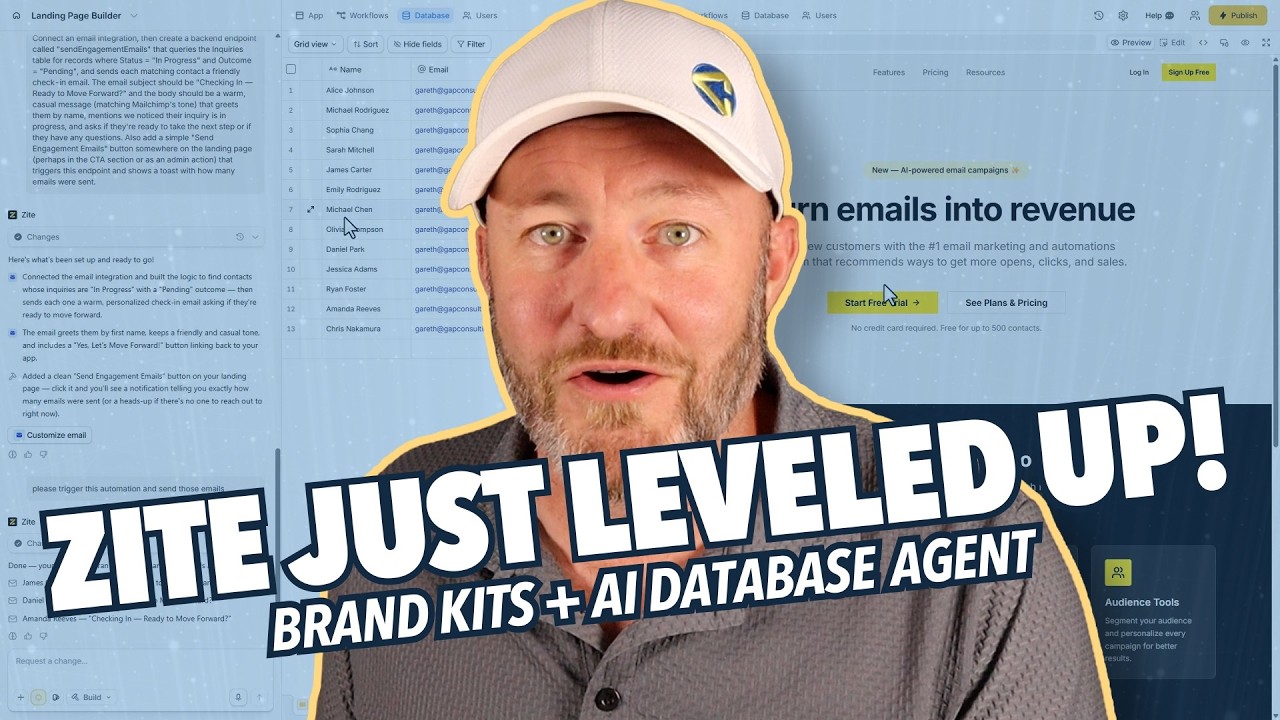
Zite has been shipping fast. Over the last month or so, two features landed that I think deserve serious attention from anyone building with no-code tools. This post breaks both of them down.
Disclosure: The link above is an affiliate link. We only recommend tools we use ourselves.
Zite is a no-code vibe coding platform — you describe what you want to build in plain English, and Zite builds it. The two new features extend that core idea in important directions: one makes your builds look and feel right from the start, and the other lets AI take actions on your data without you writing a single workflow manually.
Feature one: automatic brand extraction. Feature two: the database layer agent.
Every time you start a new build in Zite, you used to face the same setup tax: choose your colors, pick your fonts, define the tone. If you were building for a client or modeling after an existing brand, this meant manually transcribing everything from their website before you could write a single prompt.
Zite's new branding feature eliminates that entirely. You give it a URL. It queries the site, extracts what it needs, and populates a complete brand kit automatically.
What it pulls:
Colors — primary, secondary, accent. The exact hex values used on the site, mapped to the right roles in your app's design system.
Fonts and style — the typefaces in use, the visual weight, the spacing sensibility. If the brand is clean and minimal, that carries through. If it is bold and expressive, that too.
Tone — this is the part that is easy to overlook and genuinely hard to define manually. Zite extracts the brand's tone from the website copy: the level of professionalism, the friendliness, the business context. When you start vibe coding with prompts, the output will match not just the aesthetics but the voice.
To test it, Gareth used Mailchimp as the source brand. Zite pulled back Mailchimp's color palette, its font stack, and its tone profile — all from publicly available information on the Mailchimp website. The result looked and felt like Mailchimp before a single prompt was written to build the actual tool.
For anyone building client apps or white-labeled tools, this is a significant time save. Brand setup used to be a blocking step. Now it is a URL.
The second feature is more powerful and more interesting.
Zite now has a database layer agent — an AI that can reason about your data and take actions on it based on natural language instructions. You describe what you want to happen, including the conditions and the recipients, and the agent figures out the implementation.
The example in the video: sending a targeted email to a filtered subset of records in an inquiries table.
The prompt described the action (send an engagement email), the content (friendly, personalized, first-name greeting), and the conditions (only the contacts that meet specific criteria — not everyone in the table). The agent then:
The transparency here is worth noting. The agent narrates what it is doing — "the custom email integration and the logic to find the contacts is set, the email greets by first name, keeps a friendly and casual tone" — so you can follow along and catch anything that does not match your intent.
In the test run, the agent also added a "send engagement emails" button to the landing page, which was not part of the original ask. Zite flagged this and it is easy to walk back — but it illustrates something important about working with AI builders: they sometimes interpret prompts more broadly than intended. The fix is a follow-up prompt asking it to remove the addition. The transparency of the agent's narration makes that easy to catch.
Taken separately, each feature is useful. Together, they shift the no-code building experience in a meaningful way.
The branding feature means you can start building in the right aesthetic context immediately. You are not spending the first hour of a project on setup — you are prompting in the right direction from the first message.
The database agent means you can describe outcomes — "email the people who match these conditions" — rather than building the workflow that produces those outcomes. The logic layer, the filtering, the integration wiring: the agent handles it.
For builders working on multiple client projects, both features compress the early-stage setup work that tends to be tedious and undifferentiated. The faster you can get to the interesting, specific parts of a build, the more you can take on.
A few things to keep in mind as you use these features:
Review the brand kit before you start prompting. The automatic extraction is accurate, but it is worth a quick pass to confirm the colors and tone match your expectations. Small corrections now save larger corrections later.
Scope your database agent prompts tightly. The agent interprets your instructions and sometimes adds things you did not ask for. Be specific about what you want and what you do not. "Send an email to matching records" is better as "send an email to records where [condition], do not add any UI elements."
The agent narration is your audit trail. Read what it tells you it did. If something does not sound right, a follow-up prompt to undo or adjust is quick. This is part of the vibe coding workflow: prompt, review, refine.
If you are building no-code tools and have not tried Zite yet, both of these features are worth experiencing firsthand. Start building with Zite here.

Gareth Pronovost is the founder of GAP Consulting, an Airtable-first consultancy that helps businesses replace manual workflows with systems that scale. A former corporate finance analyst turned no-code educator, he has taught hundreds of thousands of builders through his YouTube channel and led systems builds for organizations ranging from solo founders to Disney and Ticketmaster.

The leading no-code consultancy. We build Airtable, Zapier, and Fillout systems for businesses that are ready to stop doing things manually.